Case Study by Adrian Domocos of Flipsnack
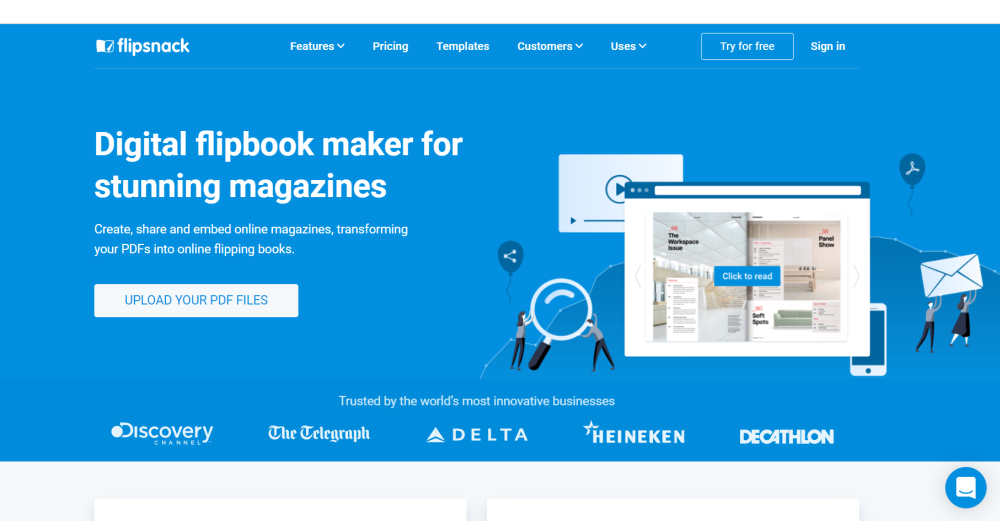
Flipsnack is an online flipbook maker platform where you can create, share, and embed interactive magazines and catalogs.
It’s been 9 years since the launch of Flipsnack, and it has amassed about 3 million users from all over the world.
You can easily create a digital magazine, ebook, brochure, presentation or other digital documents by uploading a PDF file. You can also design it directly in Flipsnack by using its intuitive drag and drop design tool.
The Flipsnack team now has around 50 people, with 15 of them working in the marketing department.
Our marketing department sends dozens of emails on a daily basis, so it is very important to know if their recipients see and open their emails. It’s not only important for these emails to be seen, but it’s also important to know when these emails are opened, and if their recipients click on the links from these emails.
We’ve used Vocus.io on our Flipsnack project for about one year and I’ve personally used it for around 3 months.
I heard that Vocus.io was a great Google Chrome extension for Gmail, and that it can help you with tracking your emails, so I wanted to test it.
I sent a few new emails everyday, so I really wanted to see if and when the recipients open them.
If you use a Gmail account or you have your business email address on Google’s platform, you can install the Google Chrome extension and use it right away.
The first step is to go to vocus.io and Sign in with your Google account.
When you want to write a new email from your Gmail account, you will see a little yellow dot right next to the send button.
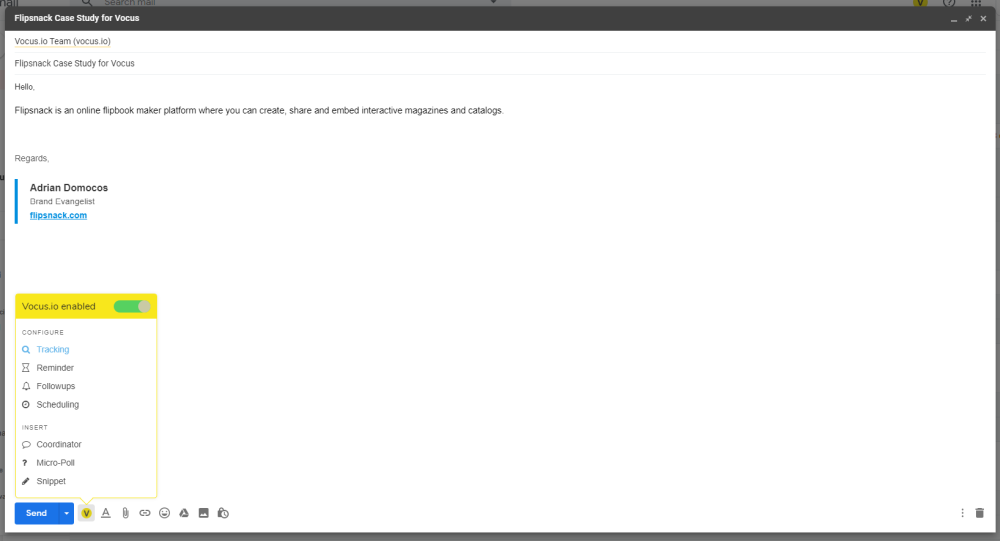
If you press the yellow “V” button you will see all the features that you can use on Vocus.io:
The most important Vocus.io feature for me, like I mentioned just above, is tracking. When I send emails I like to know if these emails are opened by the recipients and if they clicked on the links from my emails.
Right after I press the send button from Gmail, I can see in my Sent Menu if the checkmark becomes green or not. The checkmark becomes green only if the recipient opens my email.
If you want to read more statistics you can press the “Show Details” button that appears after you put the cursor of your mouse right over the 2 checkmarks.
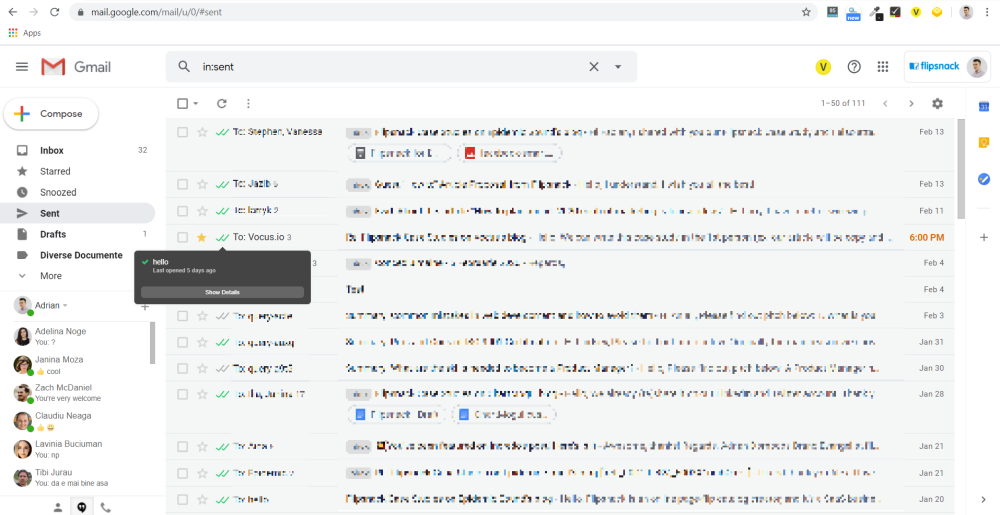
The tracking option is incredibly simple and a very fast option. That alone is why I love it so much.
Reminder is the second most important Vocus.io feature that I use. I recommend to my Flipsnack team as often as I can.
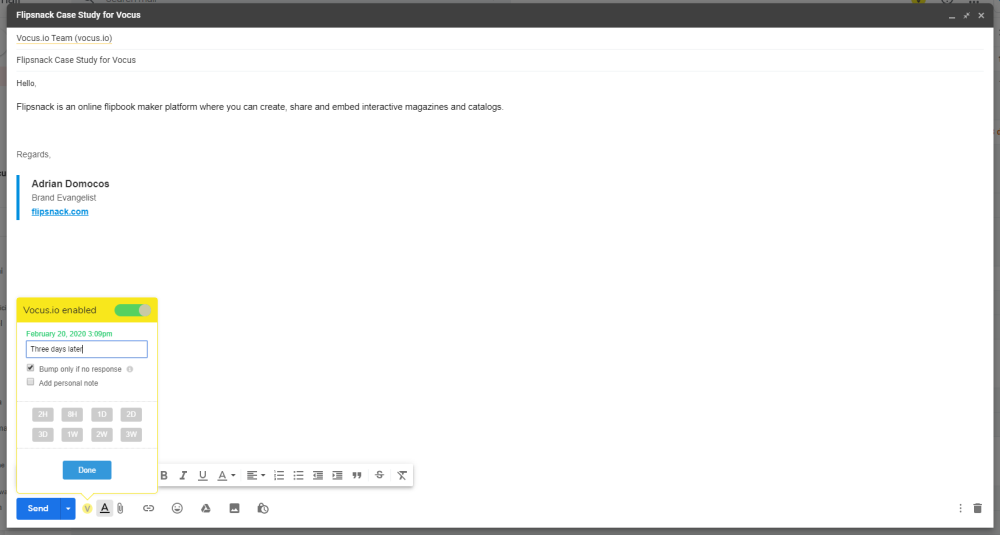
Using the Reminder option is as easy as 3 clicks:
Although, for the moment, I don’t use the other features so much (ex: snippets, auto follow-ups, reminders, or mail merge), I’m glad that I can use them when I need them with just a few clicks.
I also like that Vocus.io has team analytics & sharing options a lot.
Vocus.io is a Google Chrome extension app that is very simple to use and it does its job very well. In a couple of minutes, you can install the Chrome Extension and increase the productivity of your business and/or personal email campaigns.
If you want to keep track of your emails, set reminders, send some follow-ups, and more, I recommend trying Vocus.io right away. You definitely won’t be sorry.